Business Base Features
Integrated Automation
Rules that run on their own: when something happens in Business Base, the steps you set follow.
In every Business Base account.
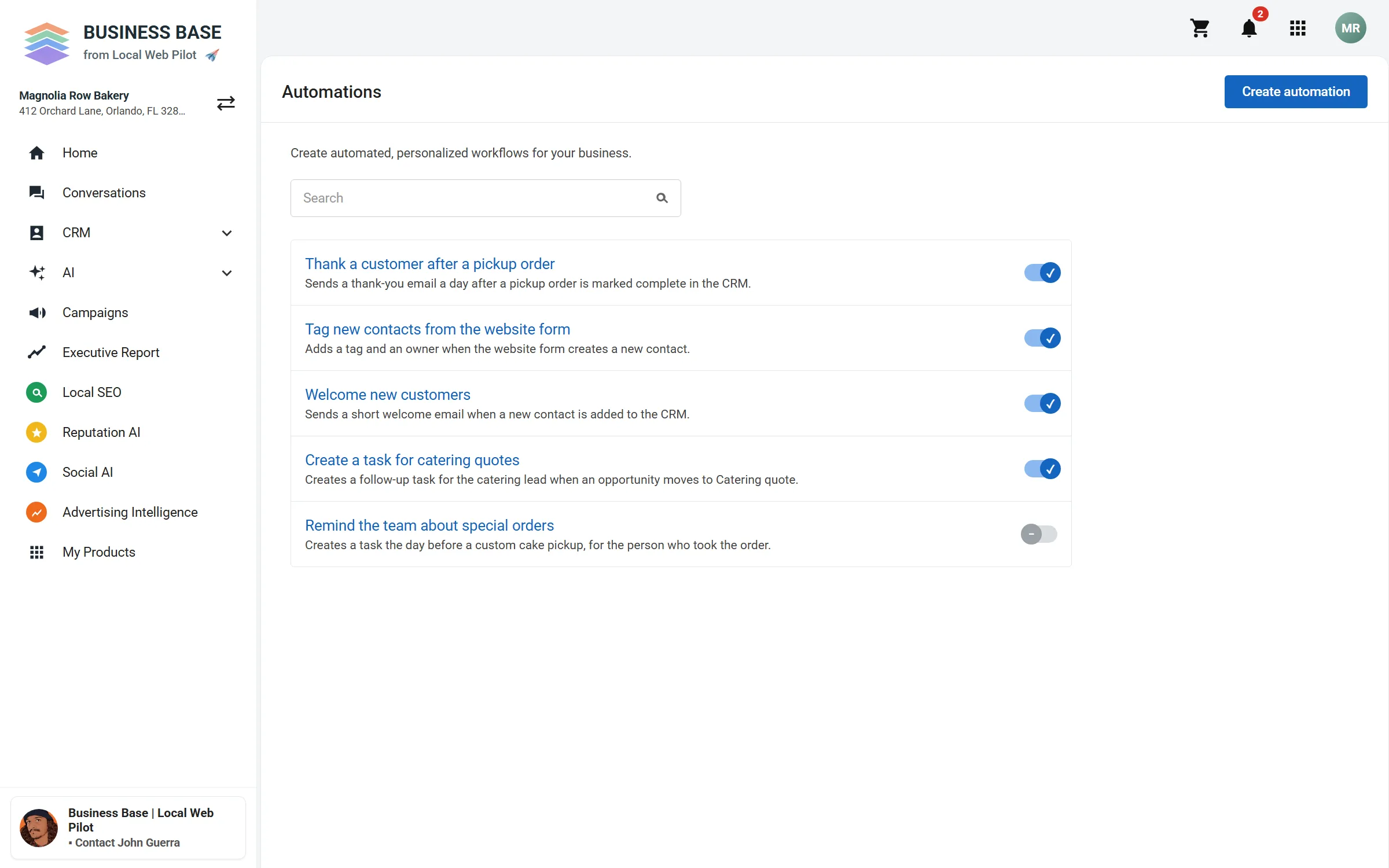
Your automations in one list
Switch each one on or off, or start from a template.
What you see
- Sample automations for a bakery.
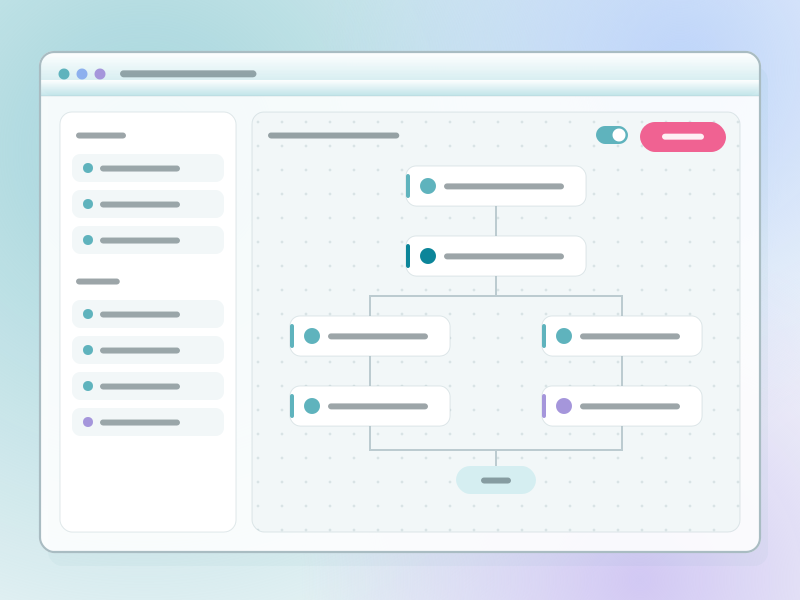
- A sample automation, such as a thank-you email.
How an automation works
- WhenSomething happens, like a new contact or a form sent.
- IfOptional conditions, like a tag or a field.
- ThenSteps run: add a tag, update a field, create a task, or tell your team.
What it needs
- Your contacts in the CRM.
- For Zapier, a Zapier account.
Steps that send a text need the texting add-on.
Set up your first automation
Book a time to talk through what you do by hand today.