Business Base Features
Advanced Reporting
Open each ad campaign in detail and see how each ad did.
InPreflight (not included)Takeoff (not included)Cruise (not included)Orbit
Included with Orbit. It needs Advertising Intelligence.
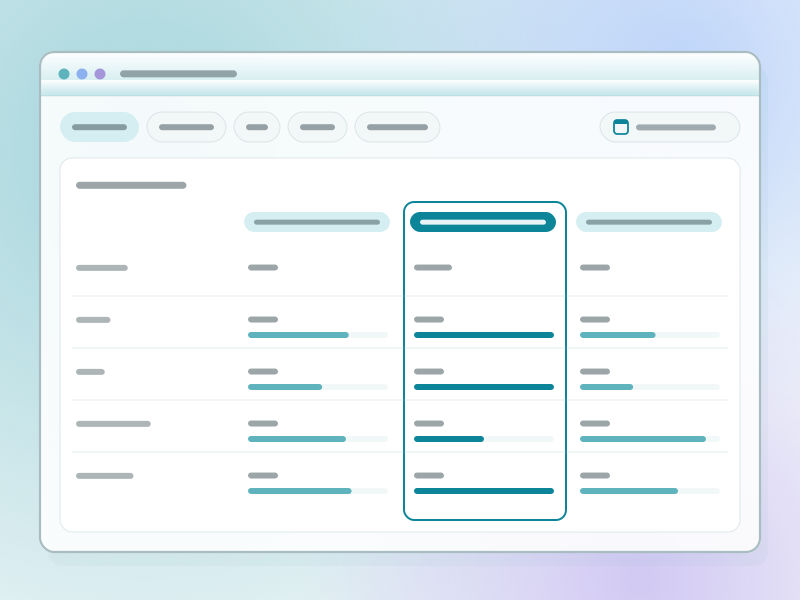
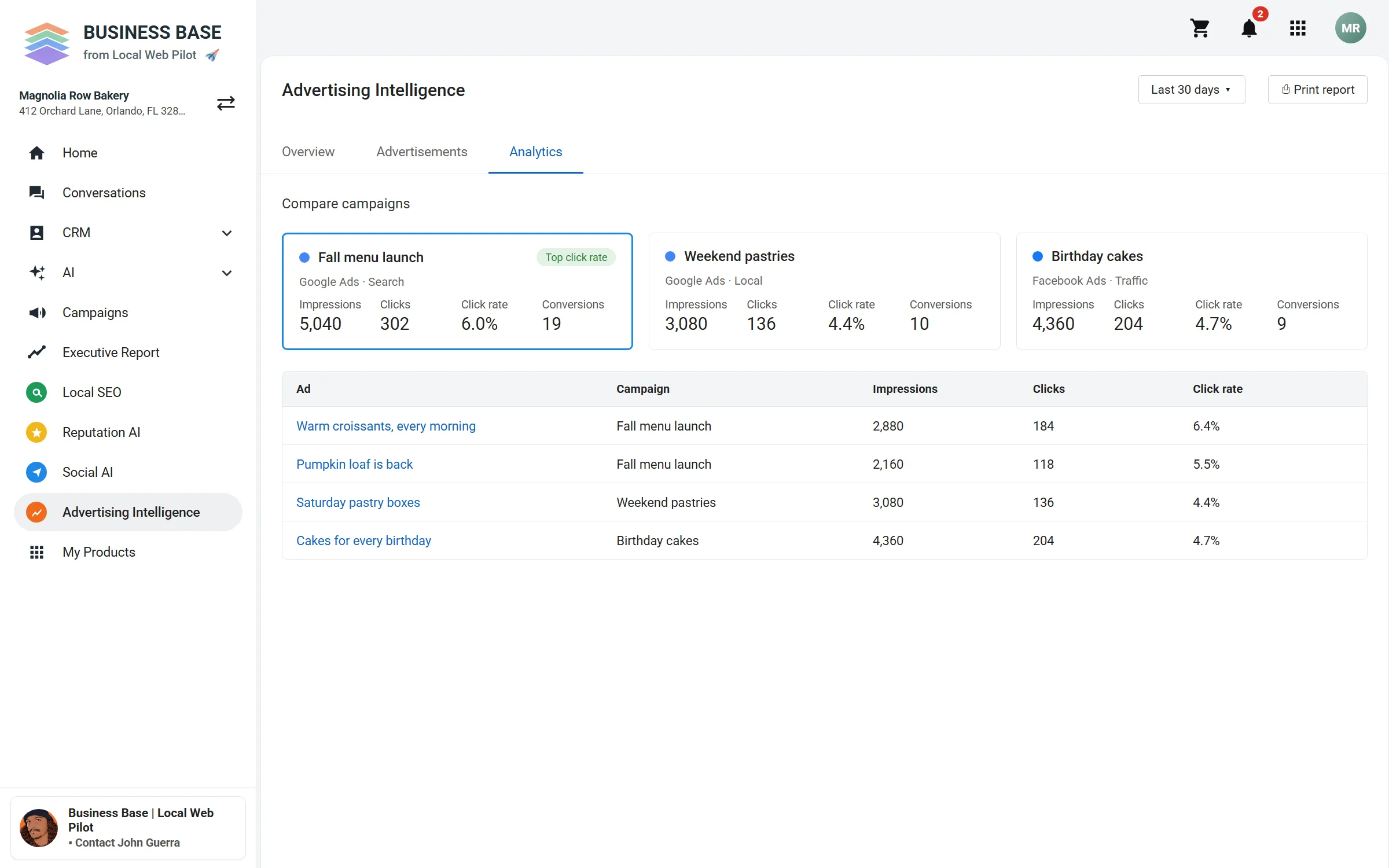
Compare your campaigns
Put campaigns side by side, then see the results for each ad in them.
What you see
- Three sample campaigns, side by side.
- A sample table of the ads in each campaign.
What a campaign page shows
- What it is forThe campaign's objective, set in the app.
- From seeing to actingA funnel from first view of the ad to action.
- Each adResults for every ad in the campaign.
What it needs
- Advertising Intelligence, with Google Ads or Facebook Ads connected.
- Campaigns that are running.
- For Google campaigns, the objective you set in the app.
Look closer at your ads
Book a time to talk through your campaigns.